Back from WWDC19 🤖
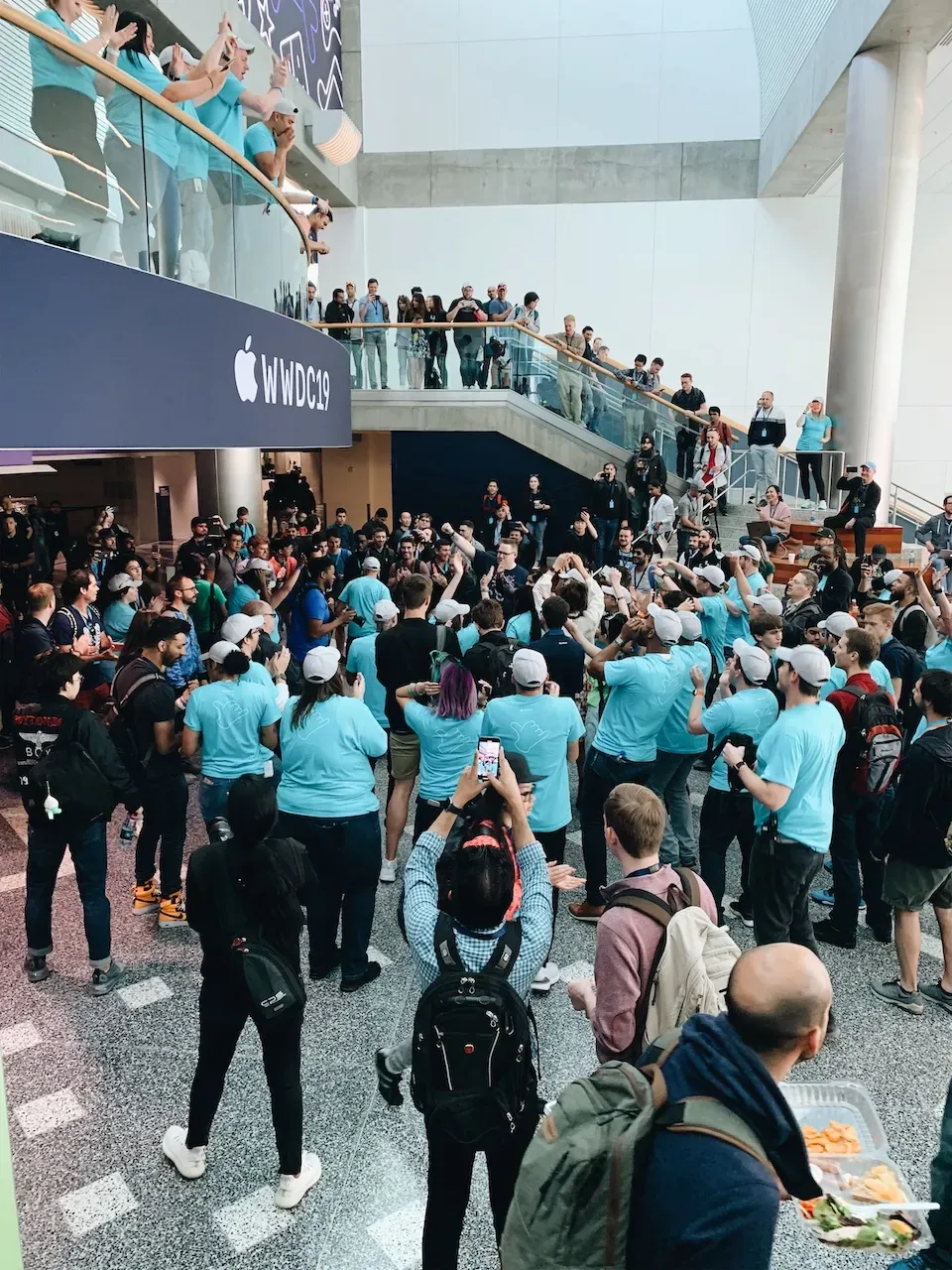
I just got back from the United States, and this trip felt special enough that I wanted to take some time to write it down. I was lucky enough to win a ticket to WWDC19 and become one of the more than four thousand developers attending the event.
WWDC is Apple’s annual developer conference held every June. It is where Apple introduces new technologies and hardware, and it is also a huge gathering for developers to meet and learn from one another. This was my first time attending WWDC in person. Compared with watching the livestream from my computer in previous years, the experience felt completely different. I learned a lot from this journey, and I was truly happy to be there in person.
Lottery
As in previous years, WWDC tickets opened for lottery registration at the beginning of March. Apple randomly selected developers who were allowed to purchase a ticket, and registration had to be completed with an Apple Developer account. If you were lucky enough to be selected, Apple would charge your credit card directly for the USD 1,599 ticket and send you a confirmation email.
If you are interested in attending WWDC in the future, it is worth keeping an eye on the announcements early. In general, the whole process from registration to receiving the confirmation email only takes about two weeks.
U.S. visa
For people from Hong Kong, applying for a U.S. visa is usually not too difficult. If needed, developers can request a supporting letter from Apple, which can be presented during the visa application. From my experience, the letter also helps when you need to explain the purpose of your trip during immigration.
Apple sends the attendance letter by courier to the mailing address you provide, and it usually takes about a week to arrive. Since both the visa application and approval process also take time, it is better to apply as early as possible once your ticket is confirmed. A ten-year U.S. B1/B2 visitor visa costs HKD 1,280.
Of course, if you already have a B1/B2 visa or hold a passport from a country eligible for visa-free entry to the U.S., you can simply head off.
Transportation
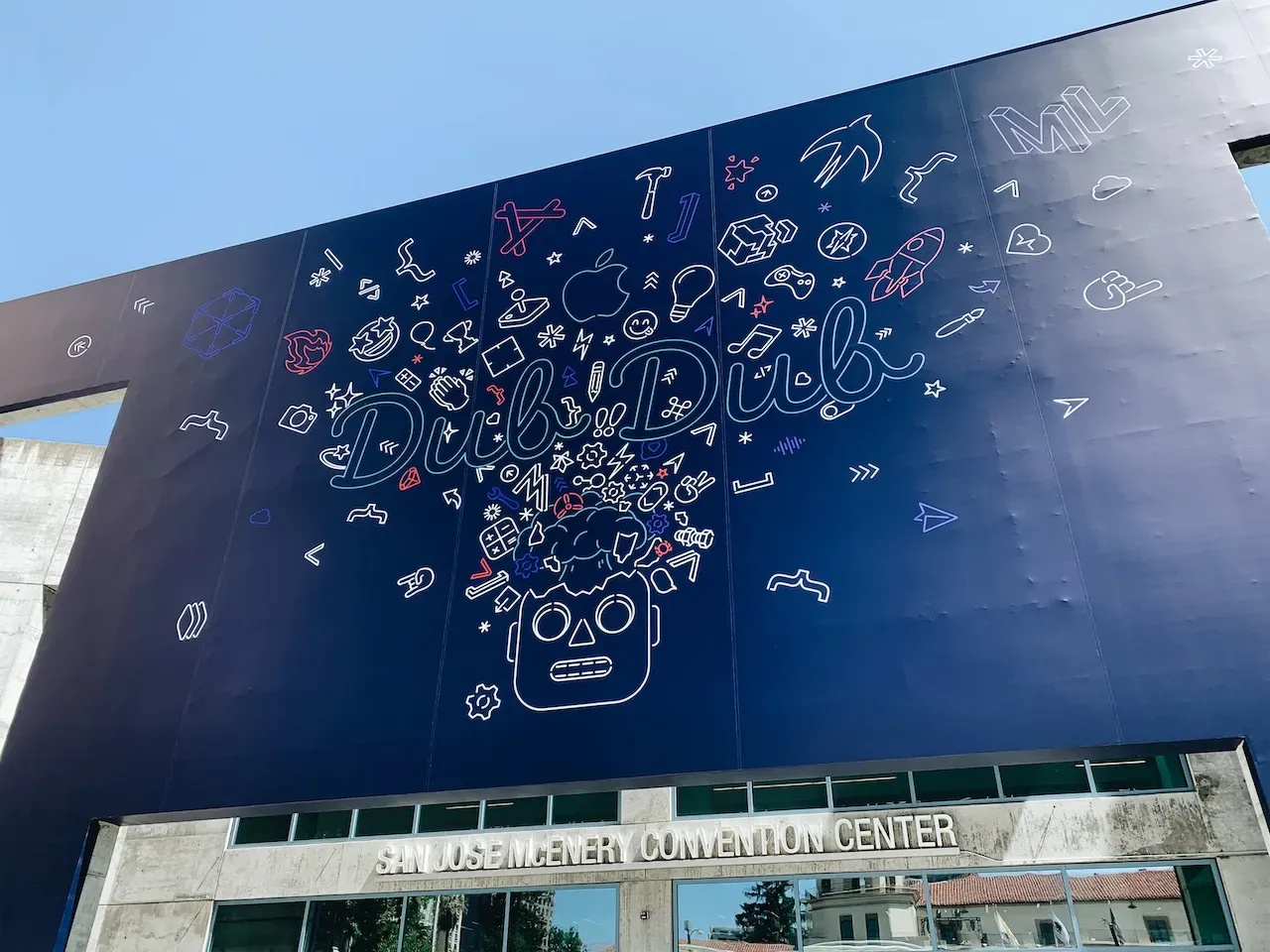
WWDC was once again held at the San Jose McEnery Convention Center. Traveling from Hong Kong to San Jose usually means flying to San Francisco first, then taking local transportation such as a train, bus, or domestic flight to reach the venue.
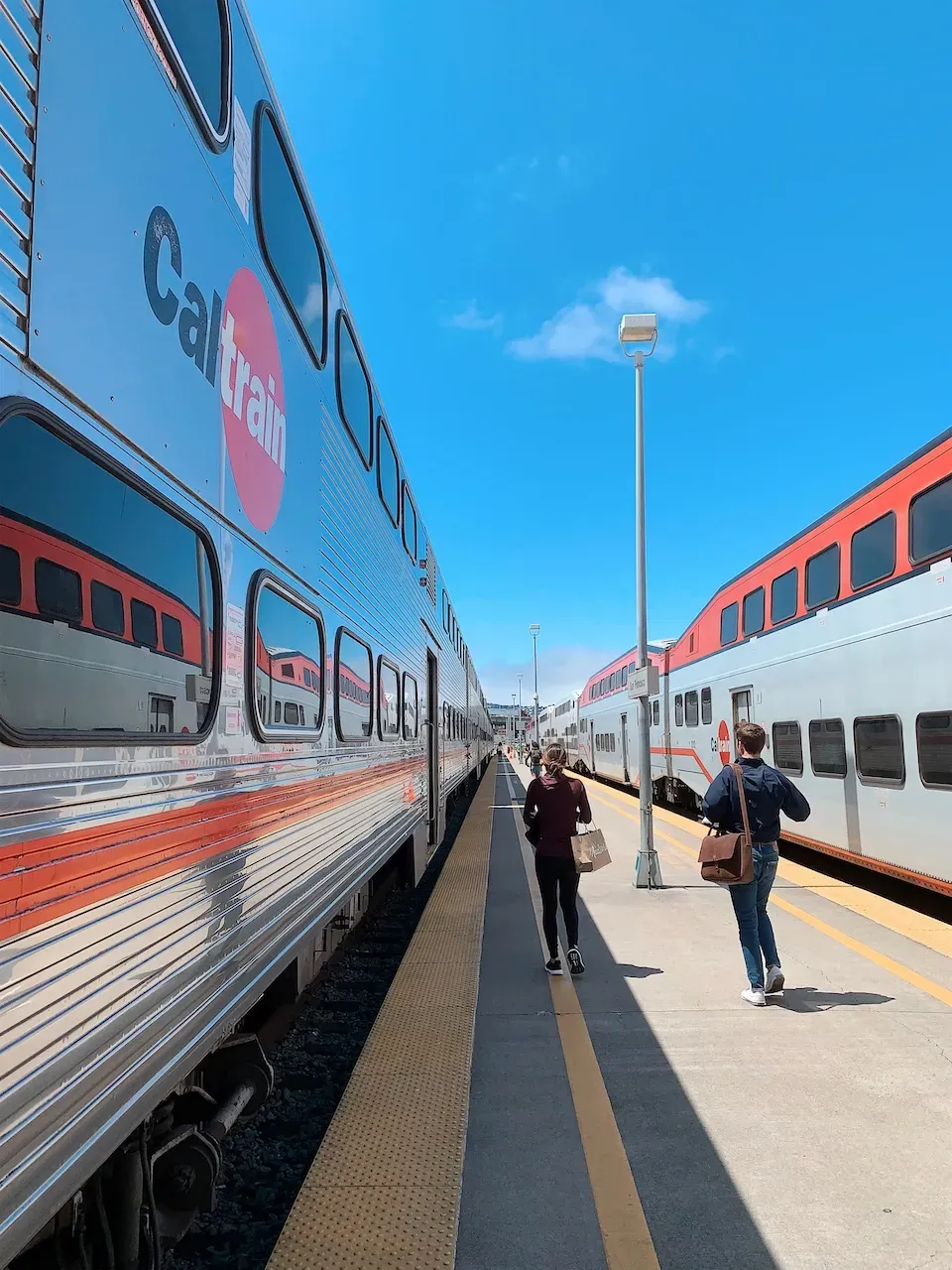
Before the trip
Besides bringing a lot of excitement with you, there are a few apps worth downloading to make the week easier:
- WWDC: Apple’s official app with schedules and activities. It is essential.
- Parties: An unofficial app that listed nearby community events during the week.
- Google Maps: No introduction needed.
- Yelp: A popular restaurant review app in the U.S., similar to OpenRice in Hong Kong.
- Uber / Lyft: Ride-hailing apps are extremely useful in the U.S. if you are not driving. UberPool or Lyft Shared can cost only a bit more than public transport while being much more convenient.
Check-in
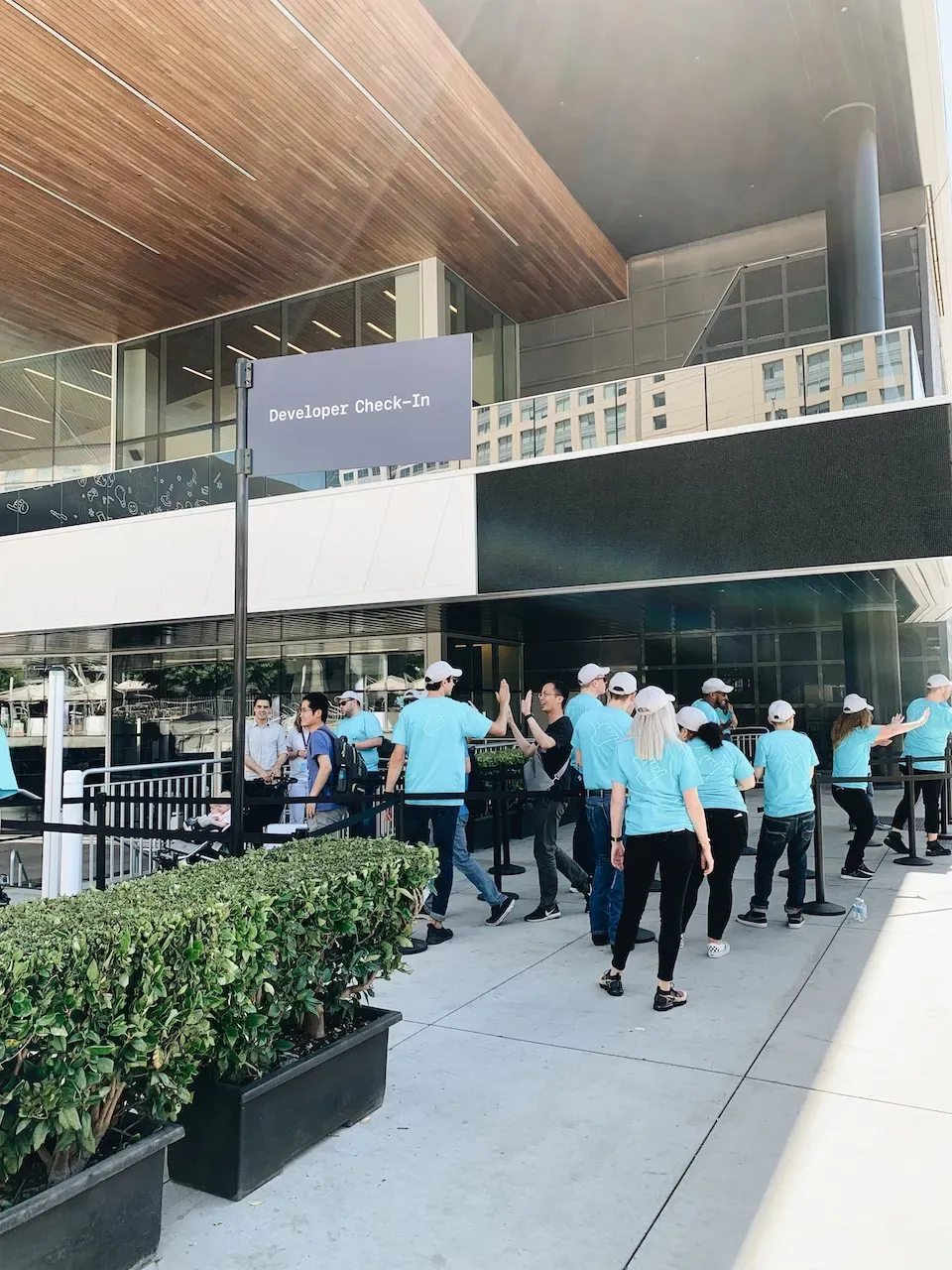
On the day before the conference officially starts, developers can check in at the venue and collect their badge. The crowd was not too bad that day, and I finished the whole process in about ten minutes. After entering, staff directed everyone to different counters. You needed to show your passport for registration, and you also received the conference gifts there. This year’s swag included some emoji pins and a jacket.
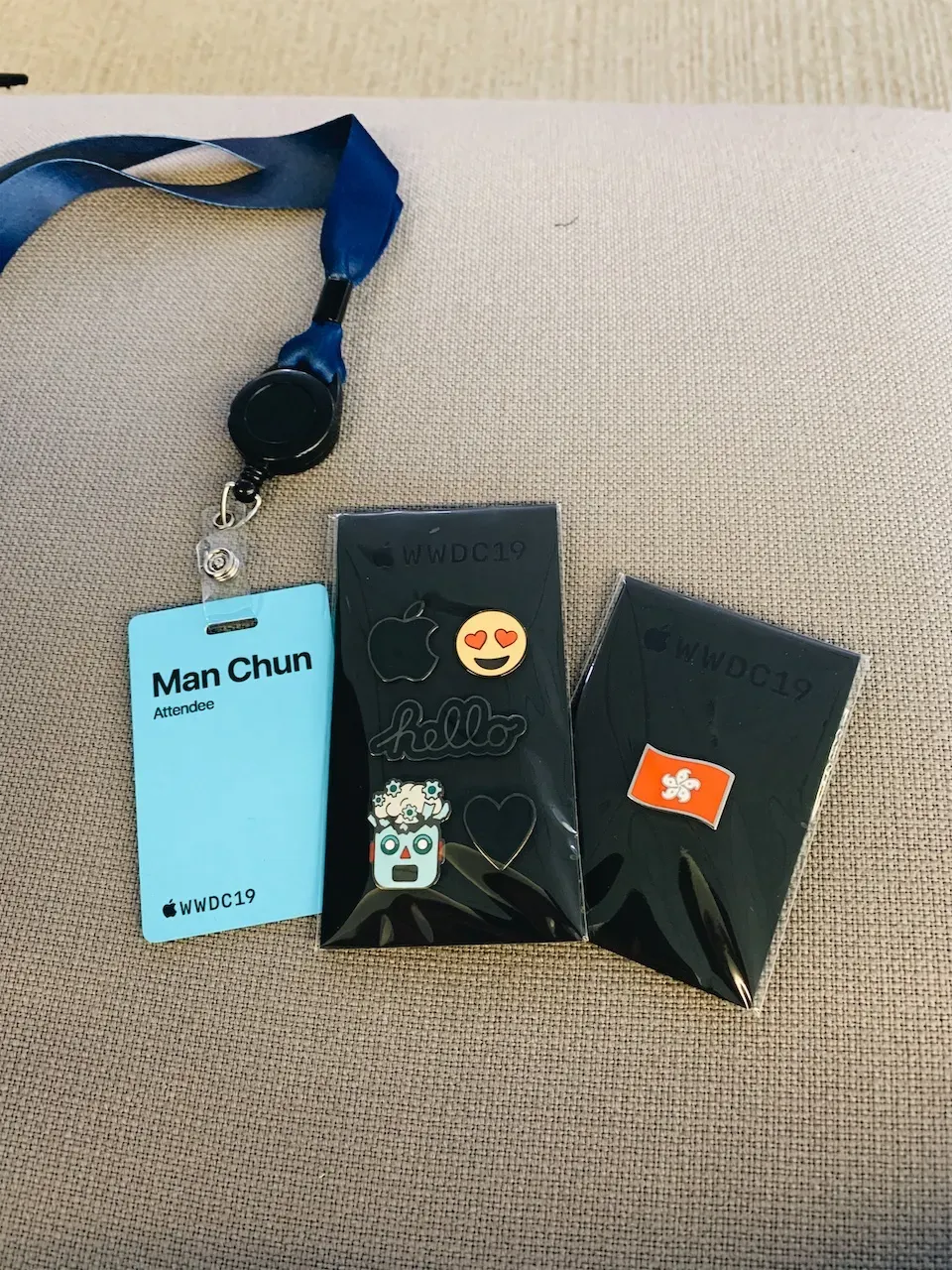
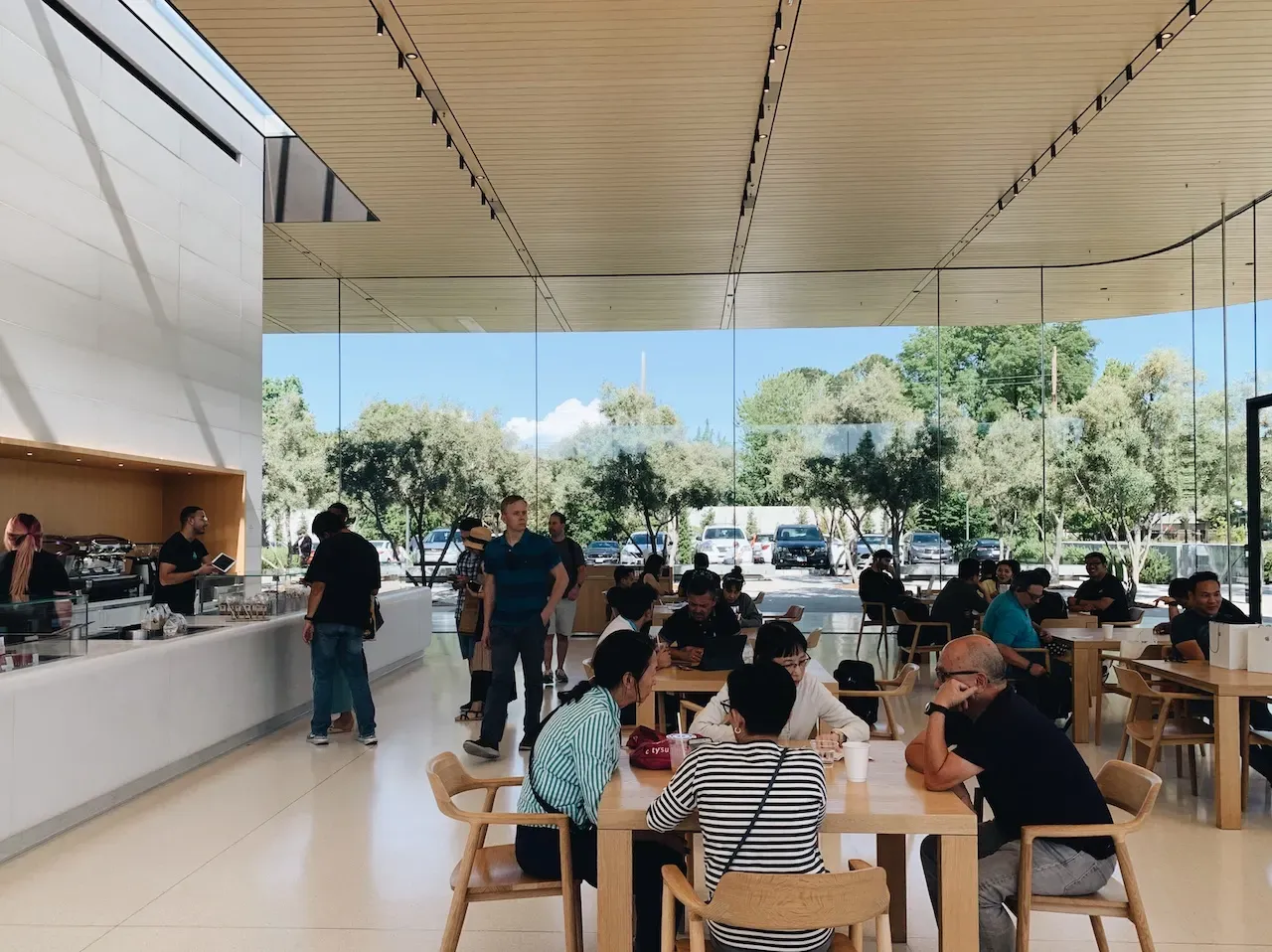
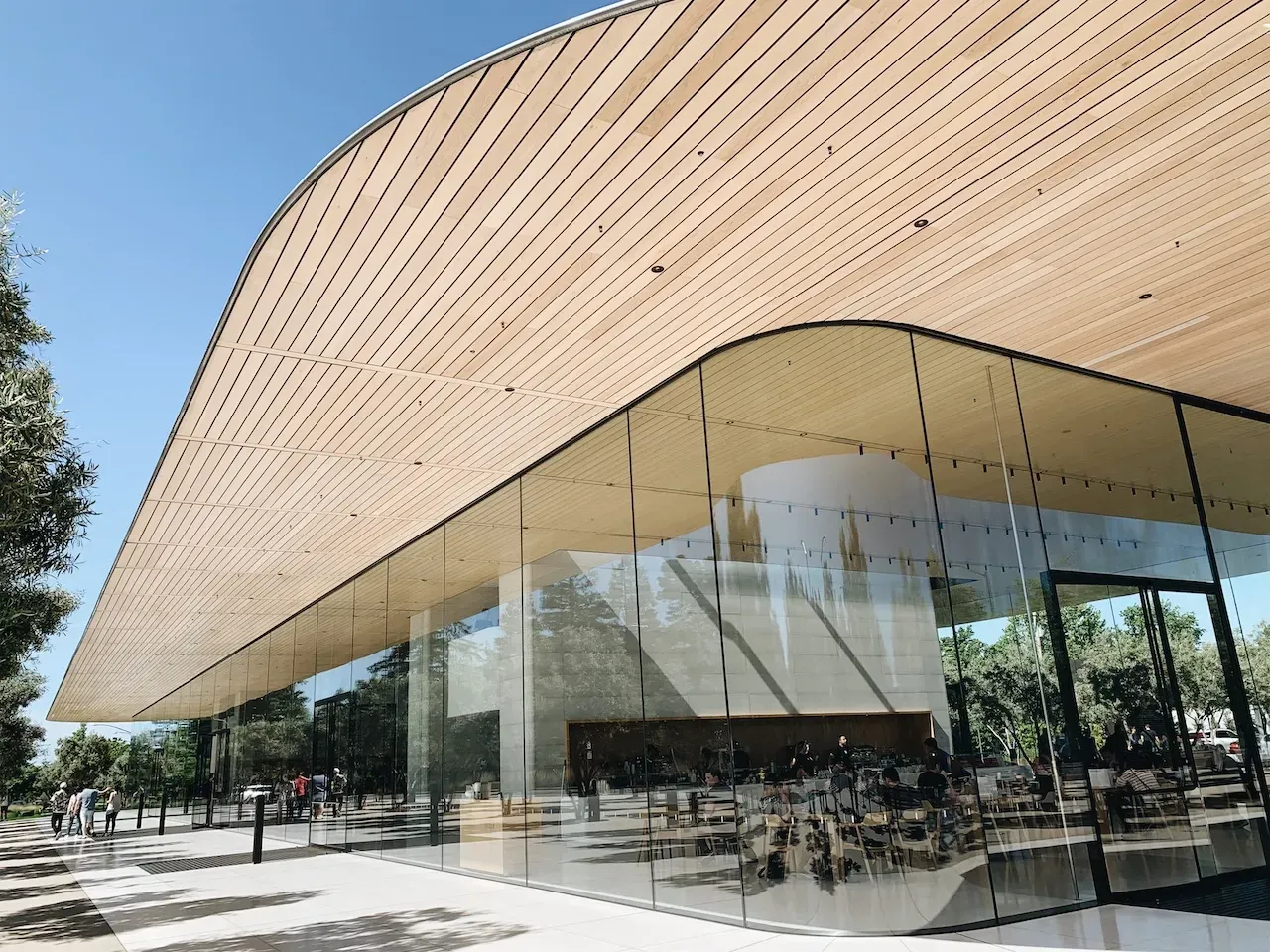
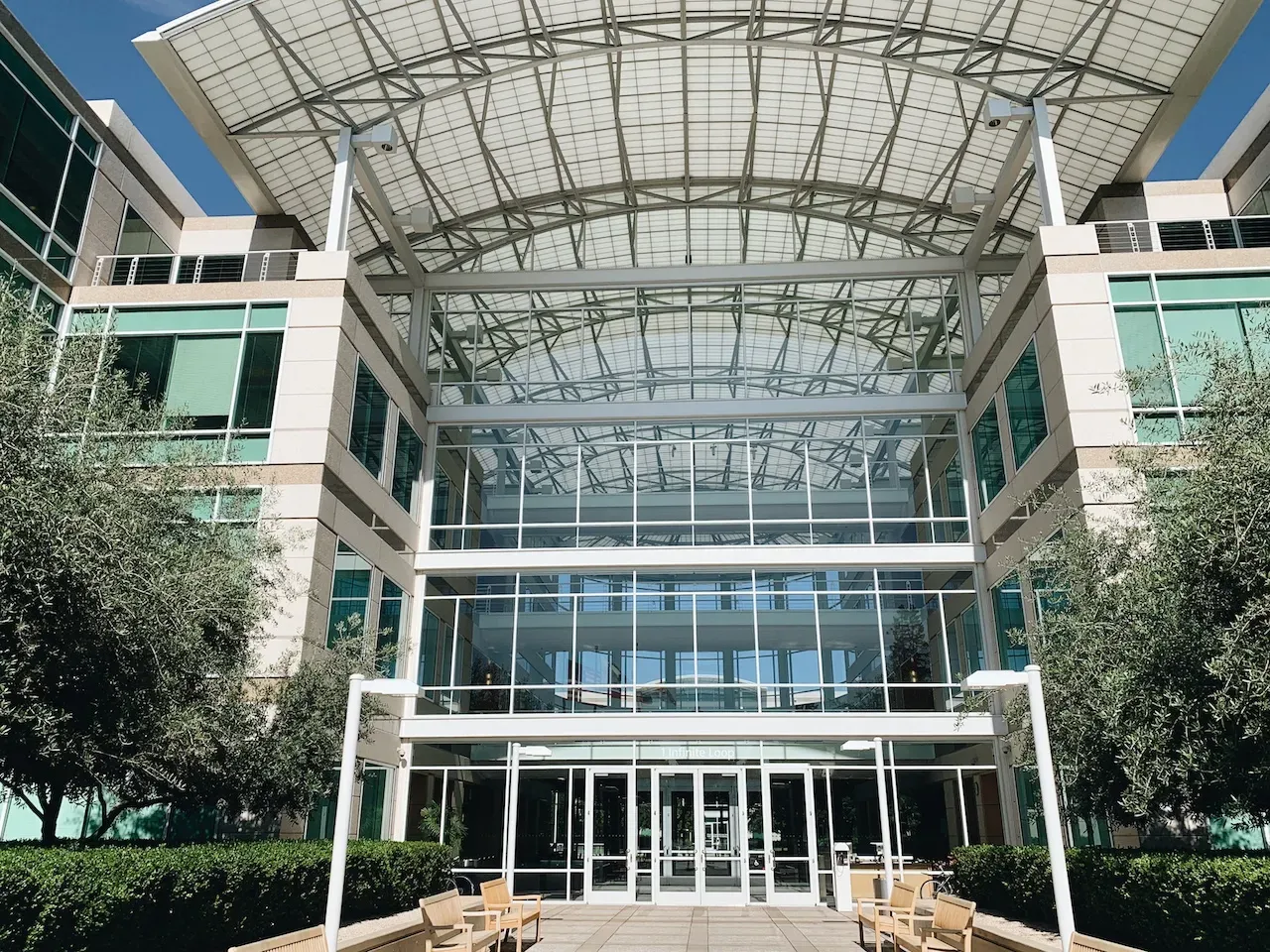
One thing worth noting is that you have to keep your badge safe. It is your only pass for entering the venue. If you lose it, you will not be able to get back in, and there is no replacement. Since check-in did not take long, you could spend the afternoon visiting nearby tech companies. I chose to visit Apple Park and Apple Infinite Loop instead.
Day 1: Keynote
The highlight of the conference is, of course, the keynote on the first day. Seats in the hall are first come, first served, so if you want a better seat, you may need to line up as early as 3 a.m. Apple thoughtfully prepared a small seating area for early arrivals to wait. But if you are late like I was, you end up standing in the cold early morning air and queueing on the street.
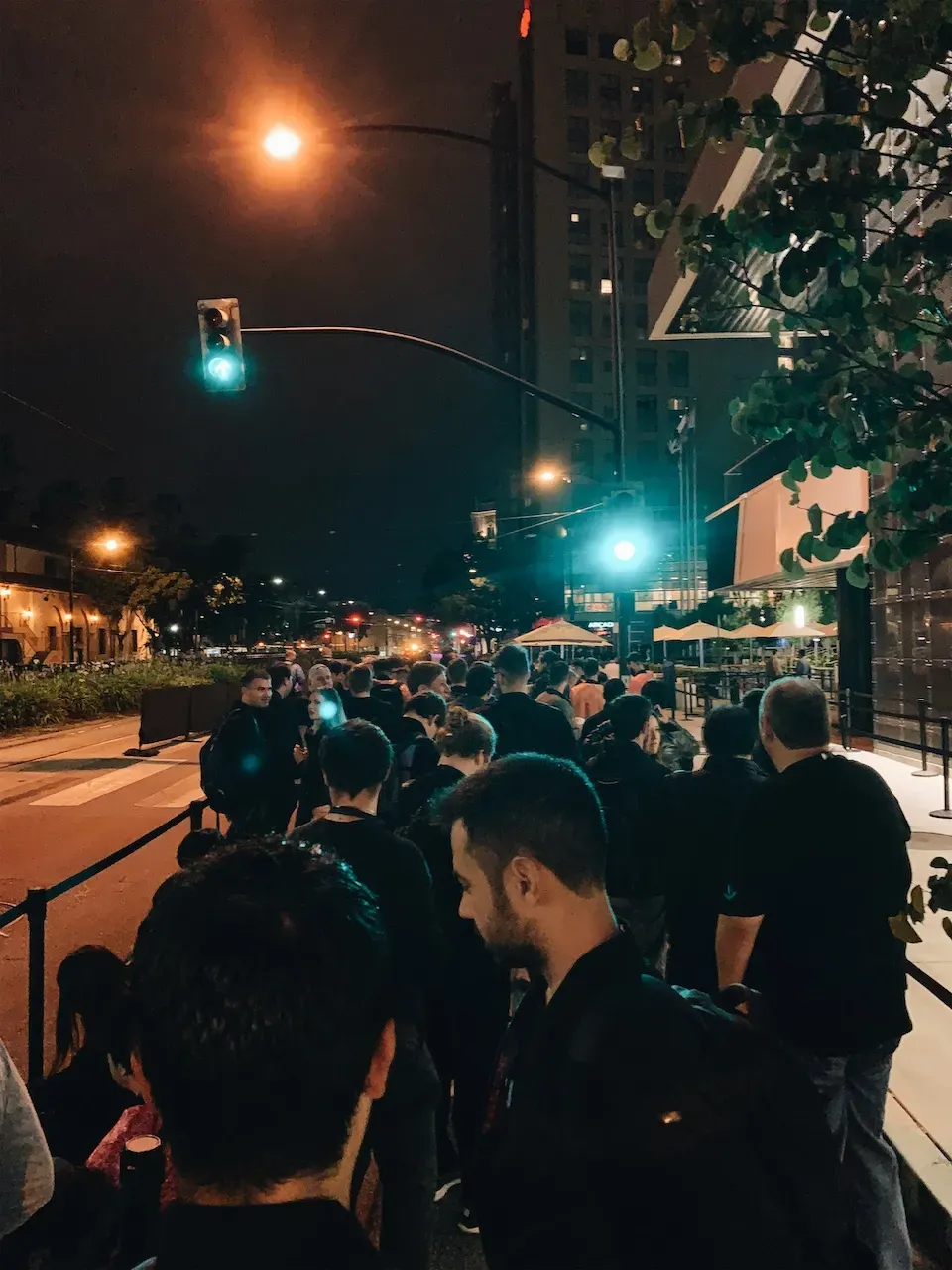
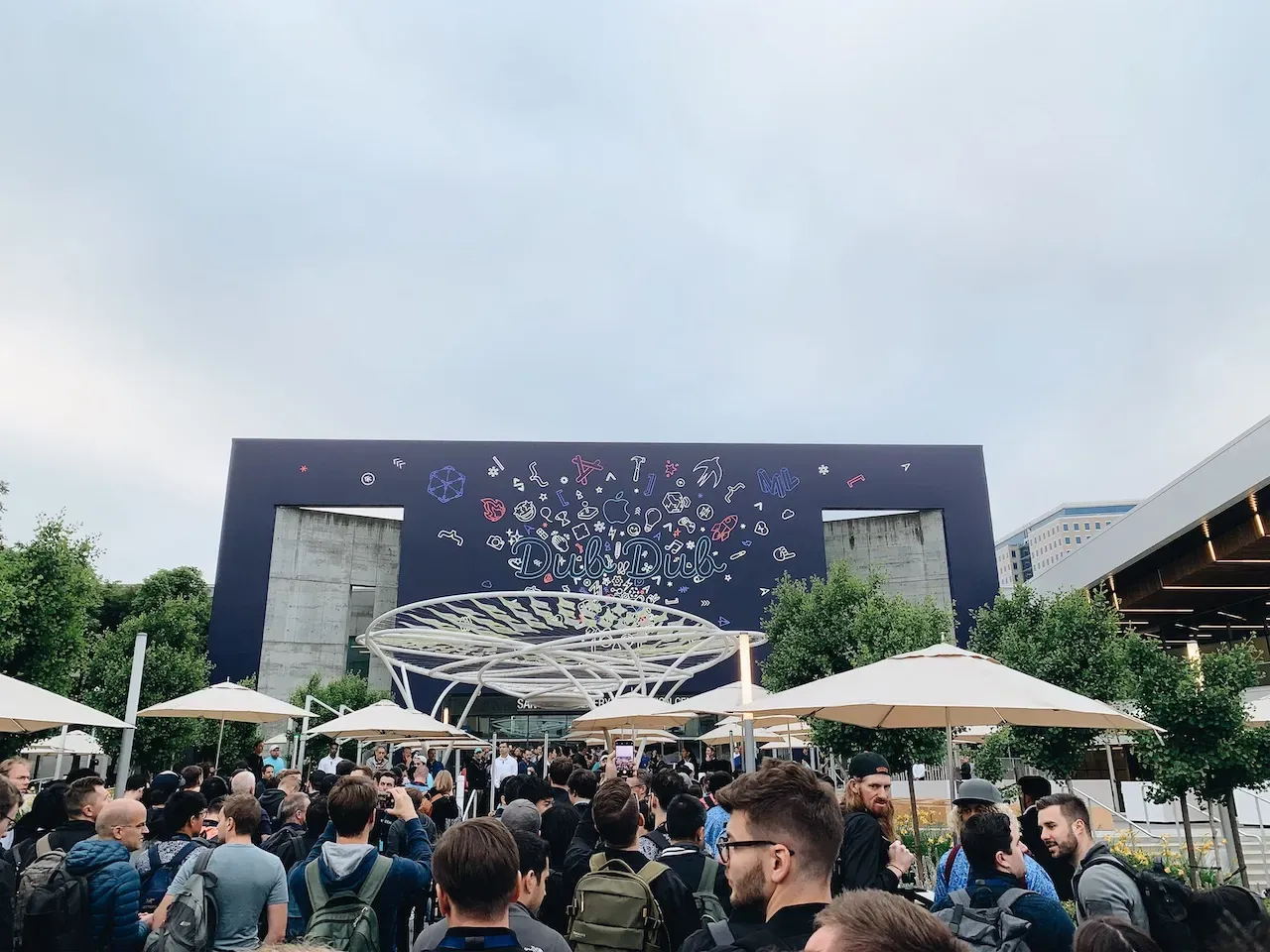
At around 7 a.m., Apple starts letting developers into the venue. Juice and bread are available so people can grab some breakfast while waiting. Even after entering, you still need to queue because the hall where the keynote takes place is still being prepared.
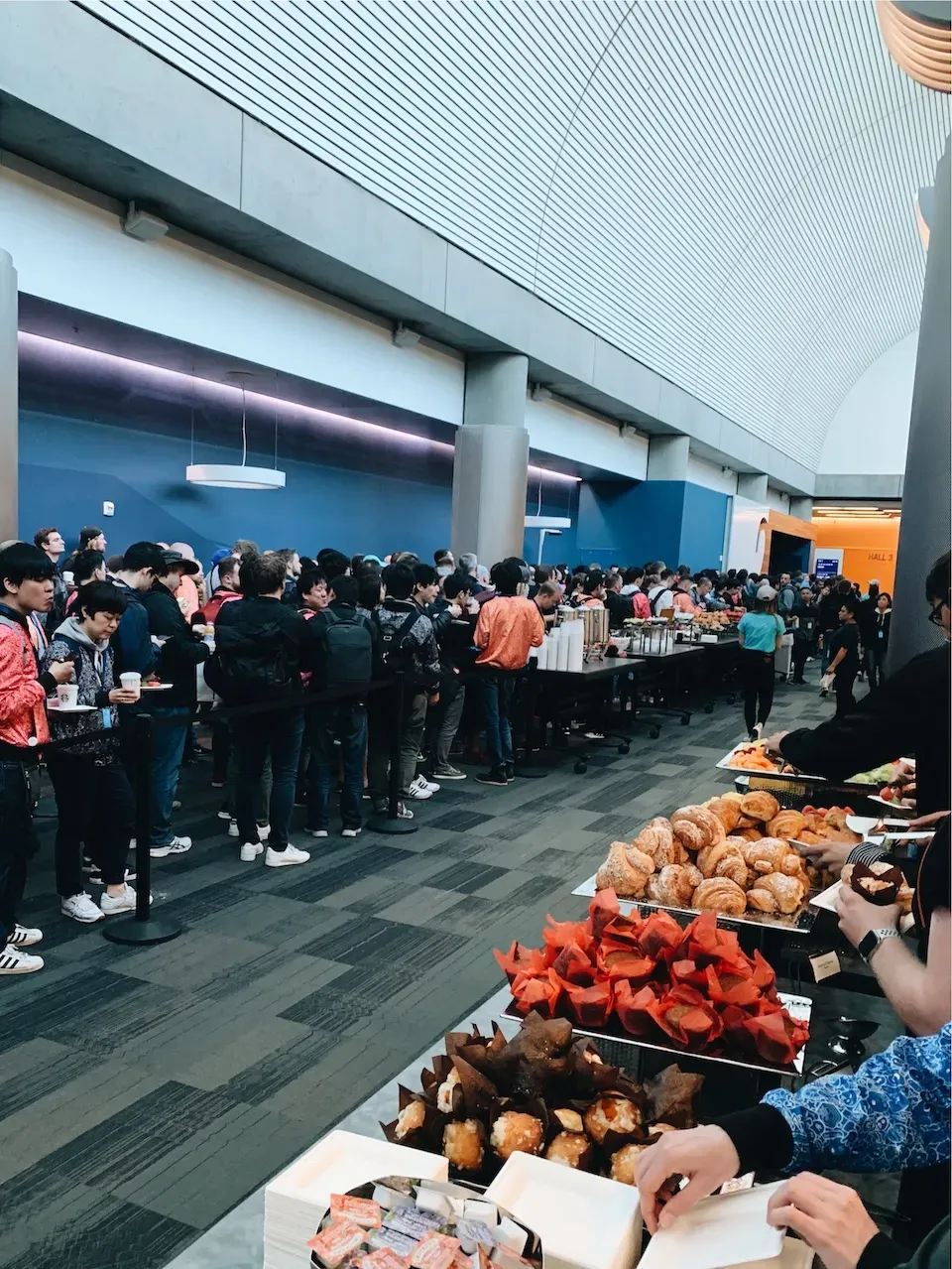
From what I know, the arrangement is similar every year. This year’s keynote was held in Hall 2, and the hall opened at 9 a.m. for developers and media to officially take their seats.
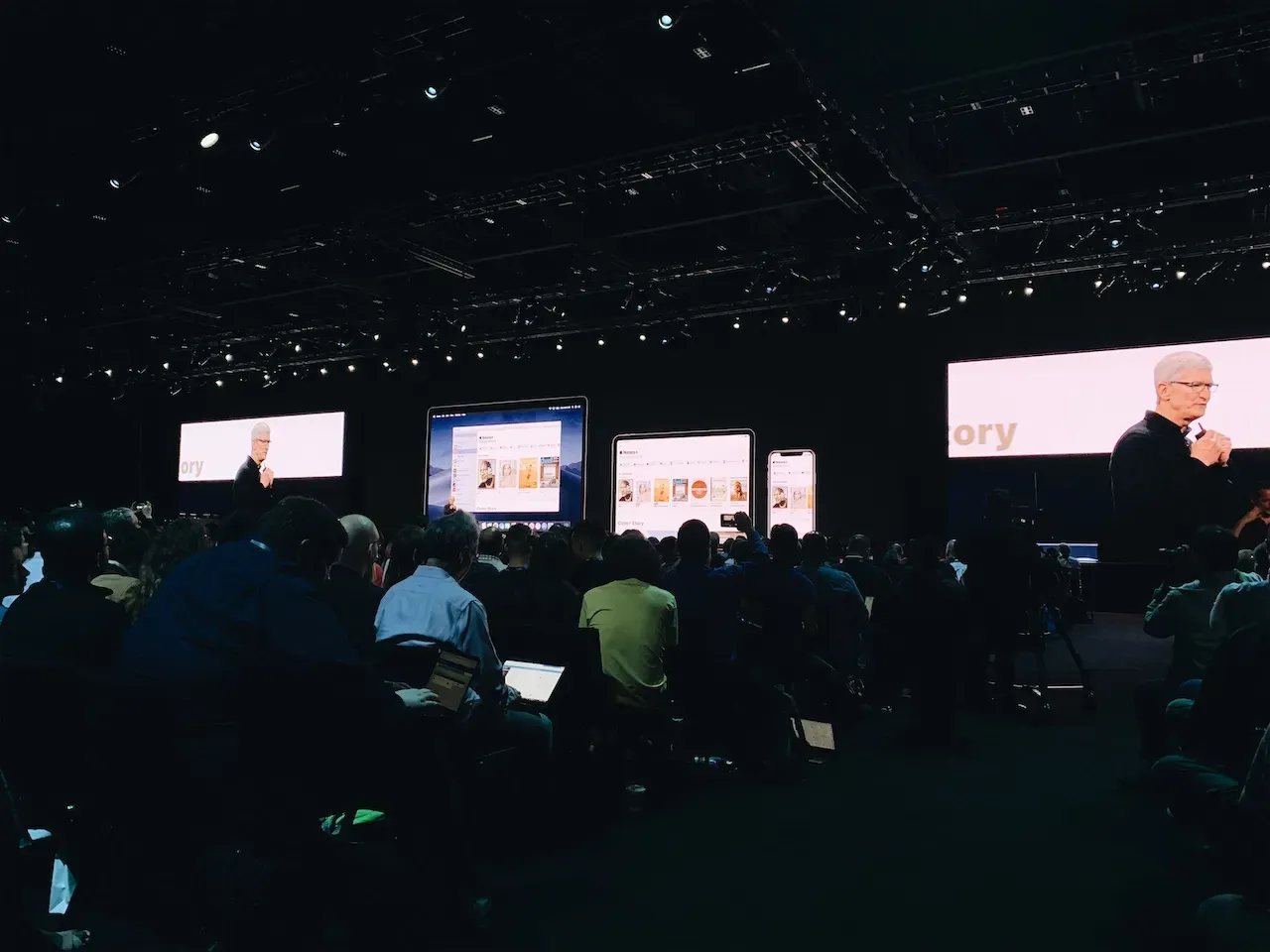
At 10 a.m., Tim Cook kicked things off. Senior engineers like Craig Federighi went on stage one after another to introduce this year’s updates. I felt very lucky to attend this keynote because the products and frameworks announced this year, including the Mac Pro, iOS 13, macOS Catalina, Project Catalyst, and SwiftUI, were all major releases. It honestly felt like one of the most exciting keynotes in the past decade.
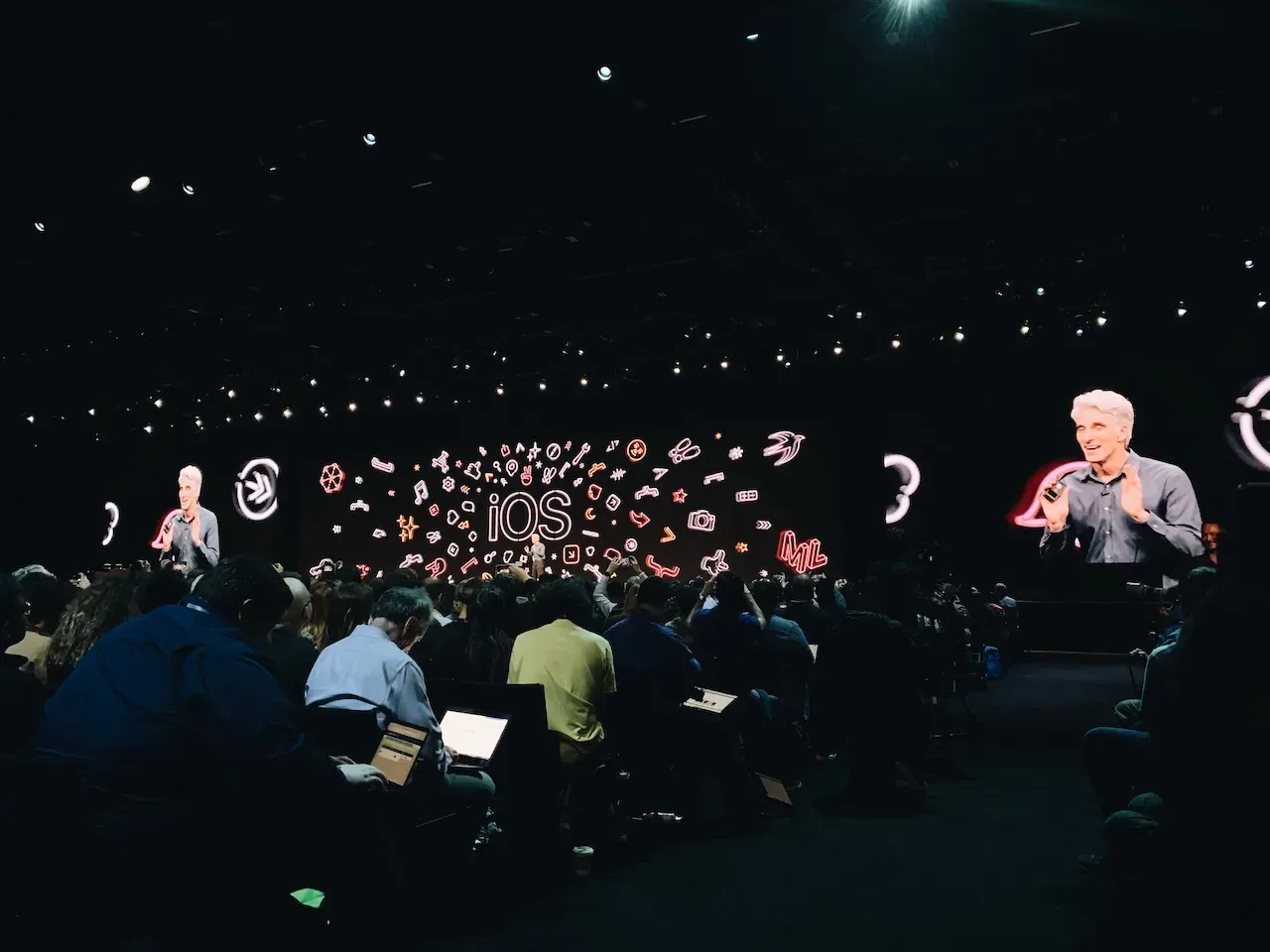
The first day is mostly a high-level overview, giving attendees a sense of what Apple will focus on over the next few days rather than diving deep into technical details. After the keynote, the latest developer betas of macOS, iOS, iPadOS, and Xcode became available immediately on the Apple Developer website. The venue Wi-Fi could not be used to download the beta images, so you needed to use the wired network connections available at the seats.
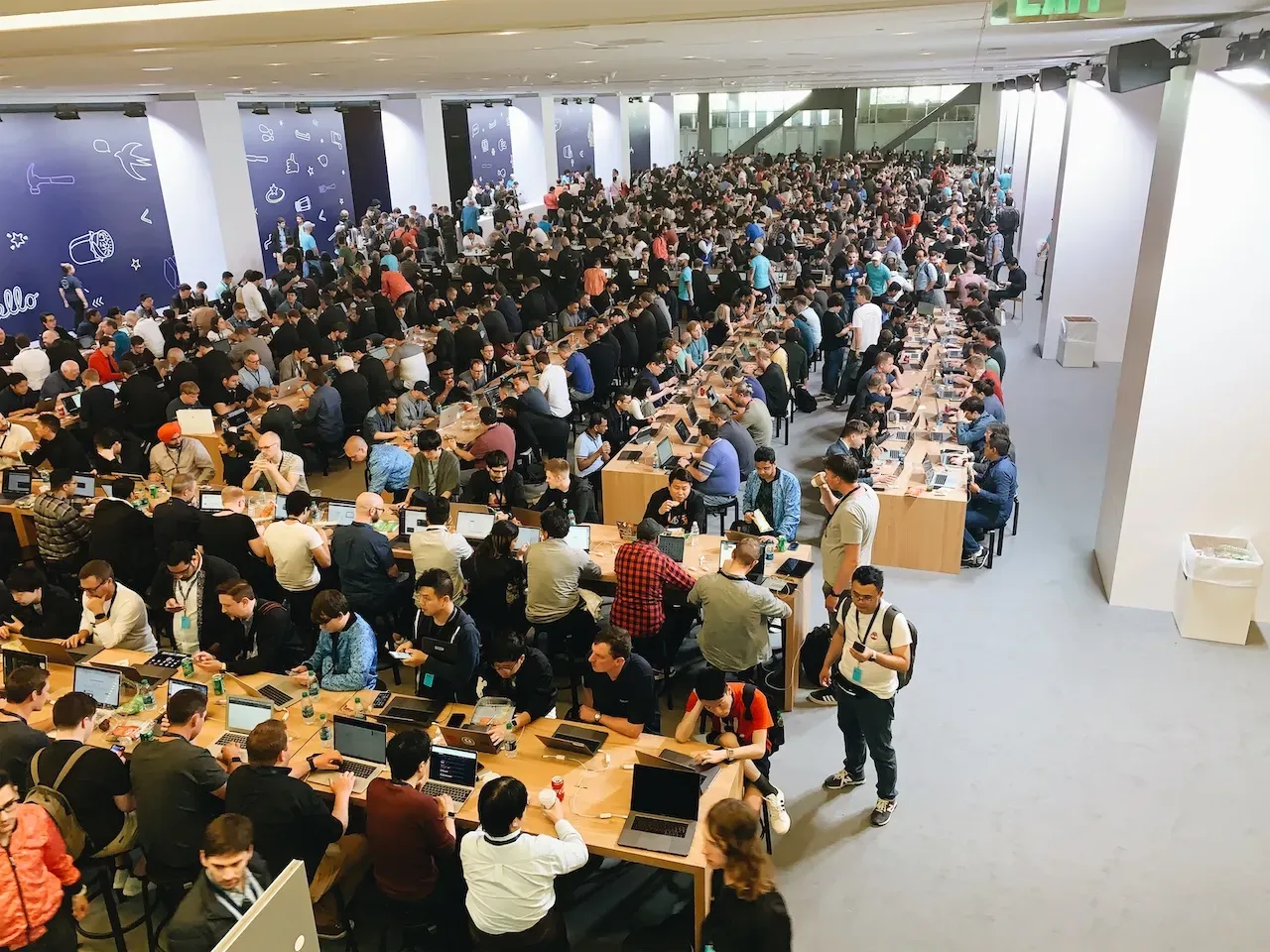
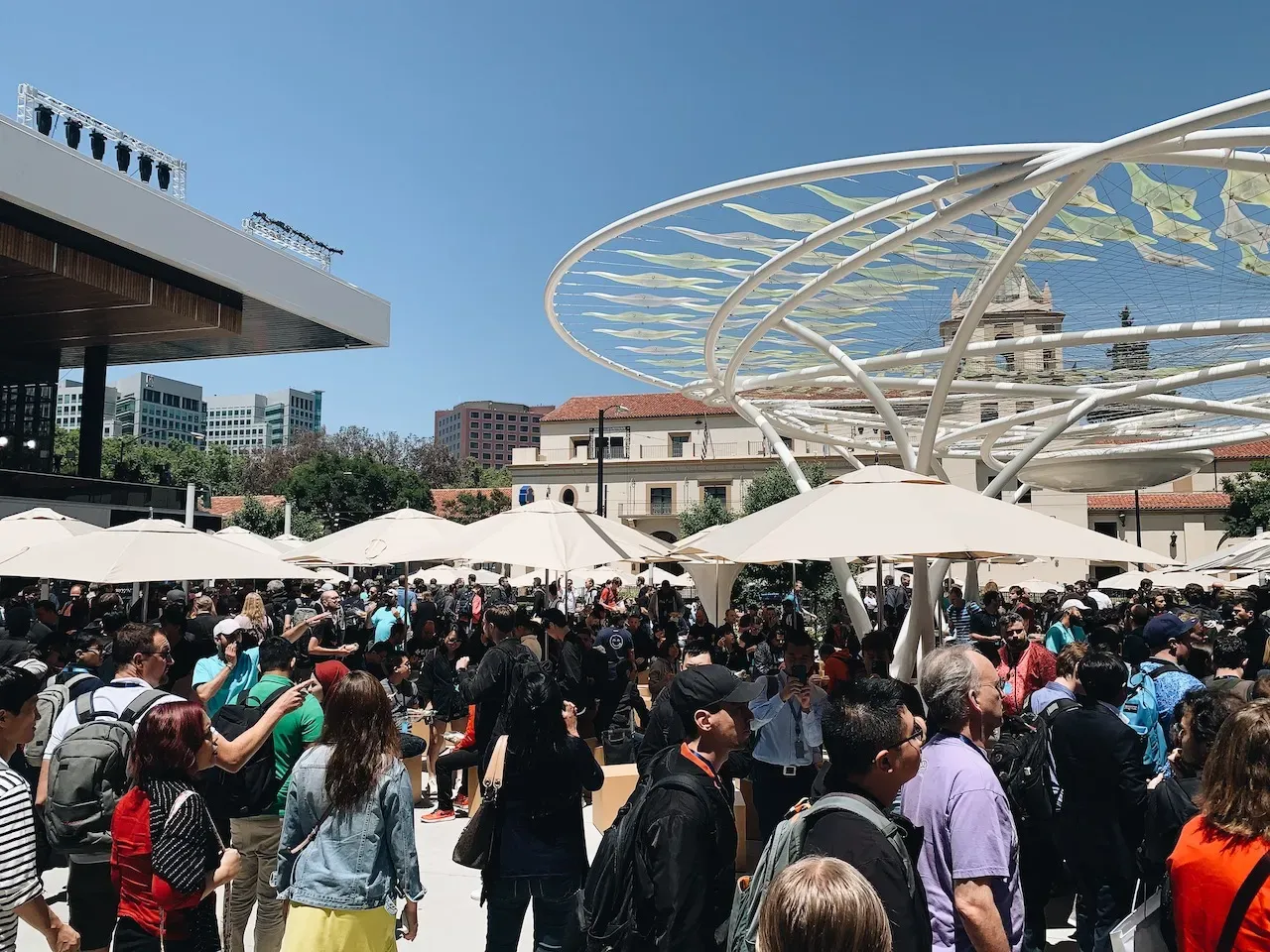
At the same time, the WWDC app updated with the schedule and topics for the next four days of sessions and labs. I strongly recommend using some free time on the first day to choose the sessions you are interested in and plan the rest of the week.
Day 2-5: Sessions & Labs
The first day brings together not only developers but also media from around the world for the keynote. The following days are when the conference really belongs to developers. Sessions are livestreamed and available to everyone, while labs are only for attendees.
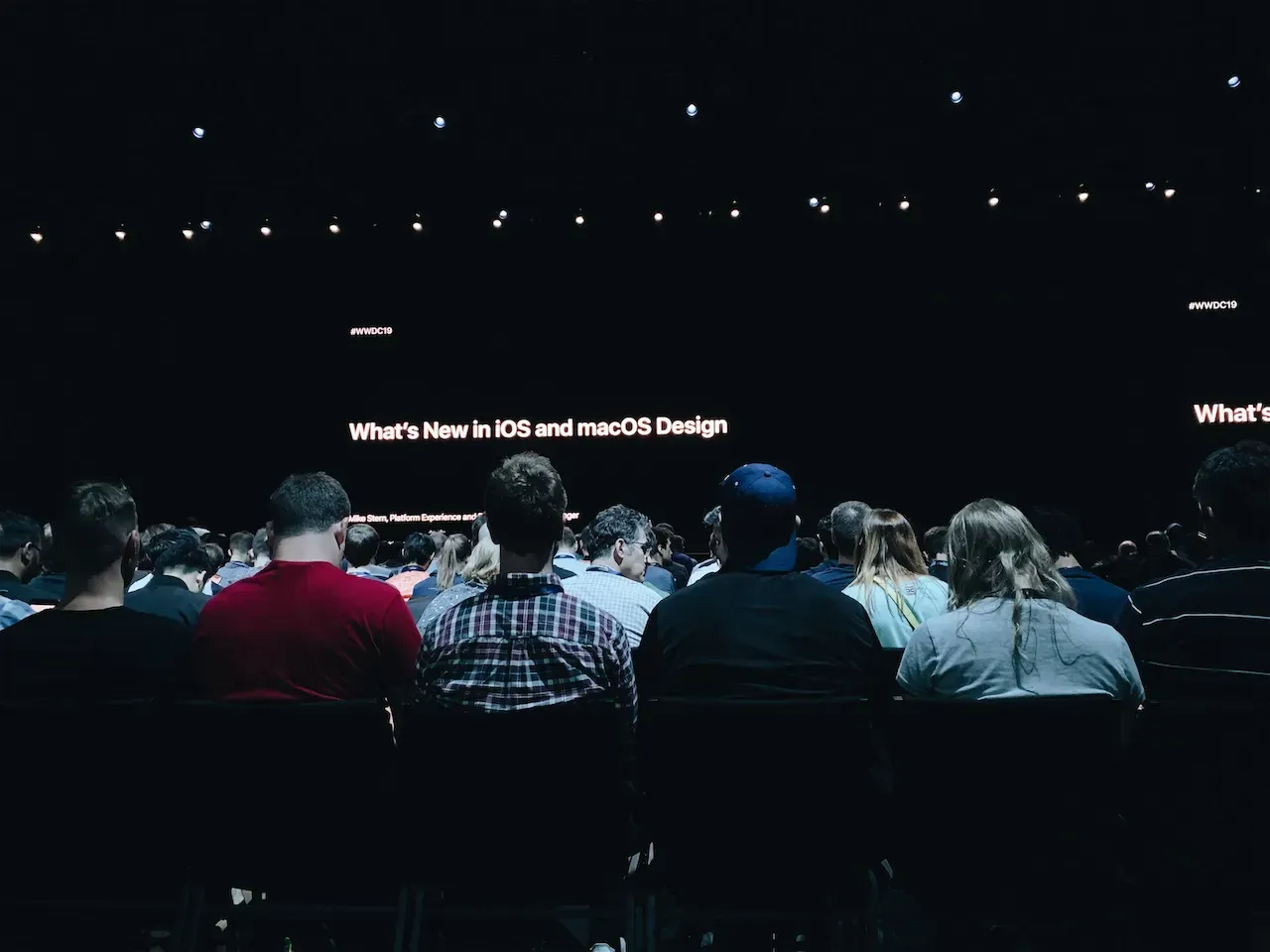
Sessions are Apple’s deeper technical talks about the new technologies announced that year. Across four days, topics covered iOS, macOS, watchOS, Swift, AR, the web, and more. The content is arranged from introductory to more advanced material so developers can build up their understanding over time.
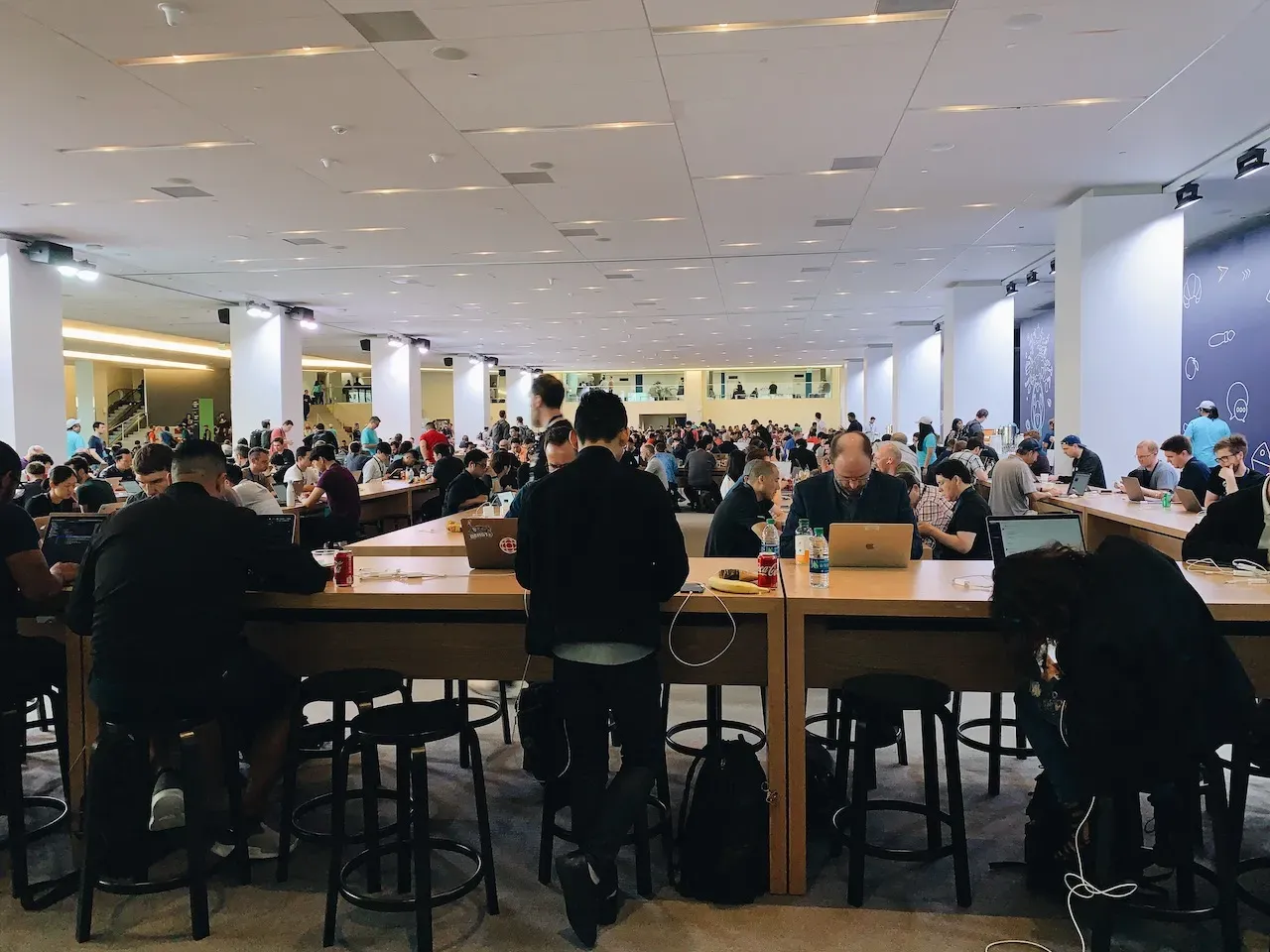
Since multiple sessions often happen at the same time in different halls, you have to choose based on your own interests. Watching in person is not all that different from watching the livestream on a computer, and some developers even prefer sitting in the lounge area with their laptops while following along and building demos. Apple also uploads the videos to the developer website that night or the next day, so you do not have to worry too much about missing something.
Some seats in the venue include power outlets for charging your laptop and phone, so do not forget to bring chargers. It is also a great idea to build demos after sessions so you can understand the details better. If you get stuck, ask in the labs while the topic is still fresh.
Compared with sessions, labs are even more valuable for attendees. Labs let you speak directly with Apple’s engineers and designers face to face, so it is important to prepare questions in advance. Labs are organized by topic and time slot. Some need reservations, while others are so popular that you have to queue for a while, so arriving early is a good idea.
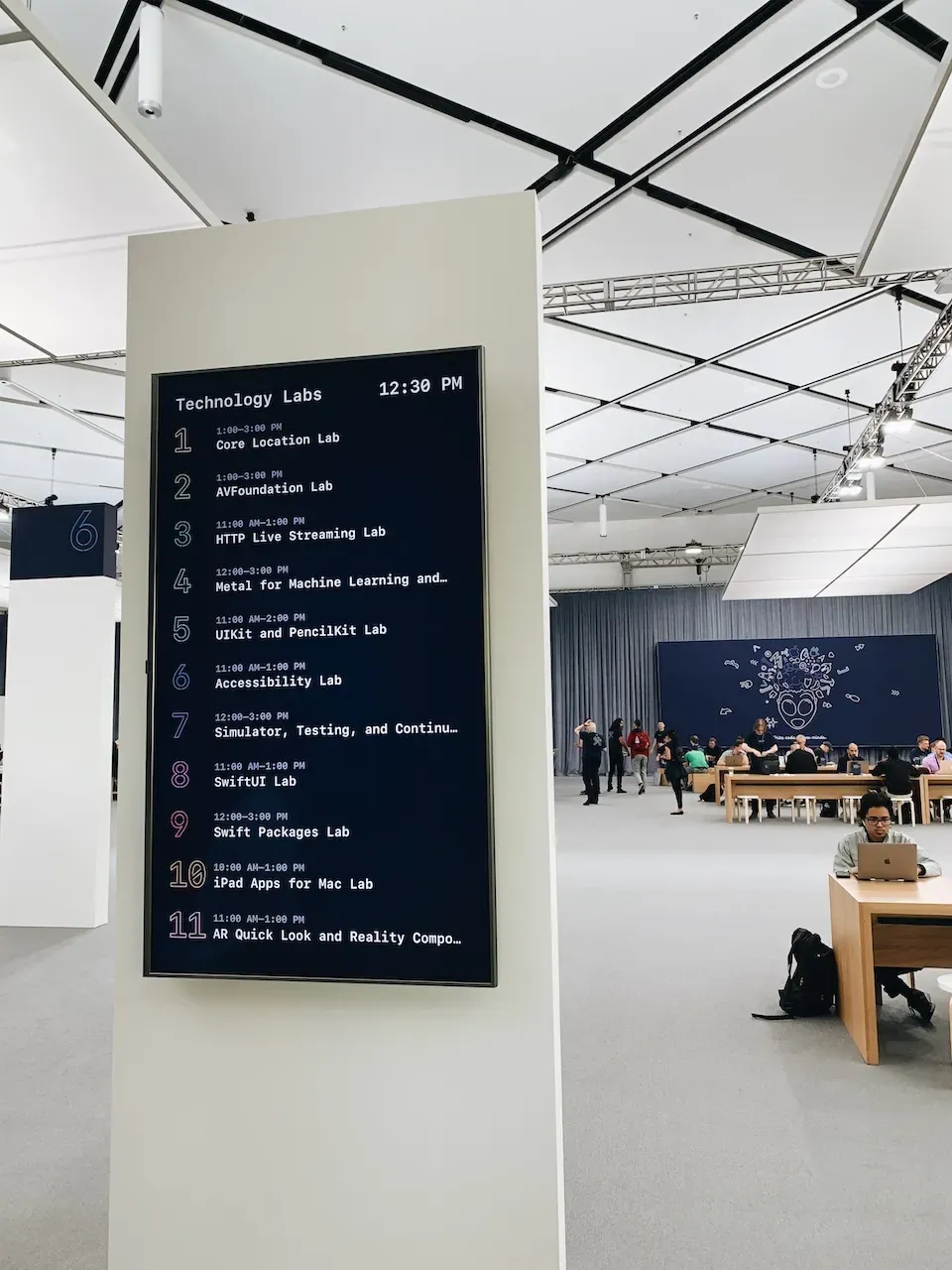
Because sessions and labs happen at the same time, managing your schedule becomes important. In my experience, it is impossible to attend every session you are interested in, and labs are even more important and valuable than sessions. For the sessions I missed, I simply took note of them and rewatched them at night.
Activities
Apple also organized a number of activities on site to help developers connect with one another. Here are a few that stood out to me.
Bash
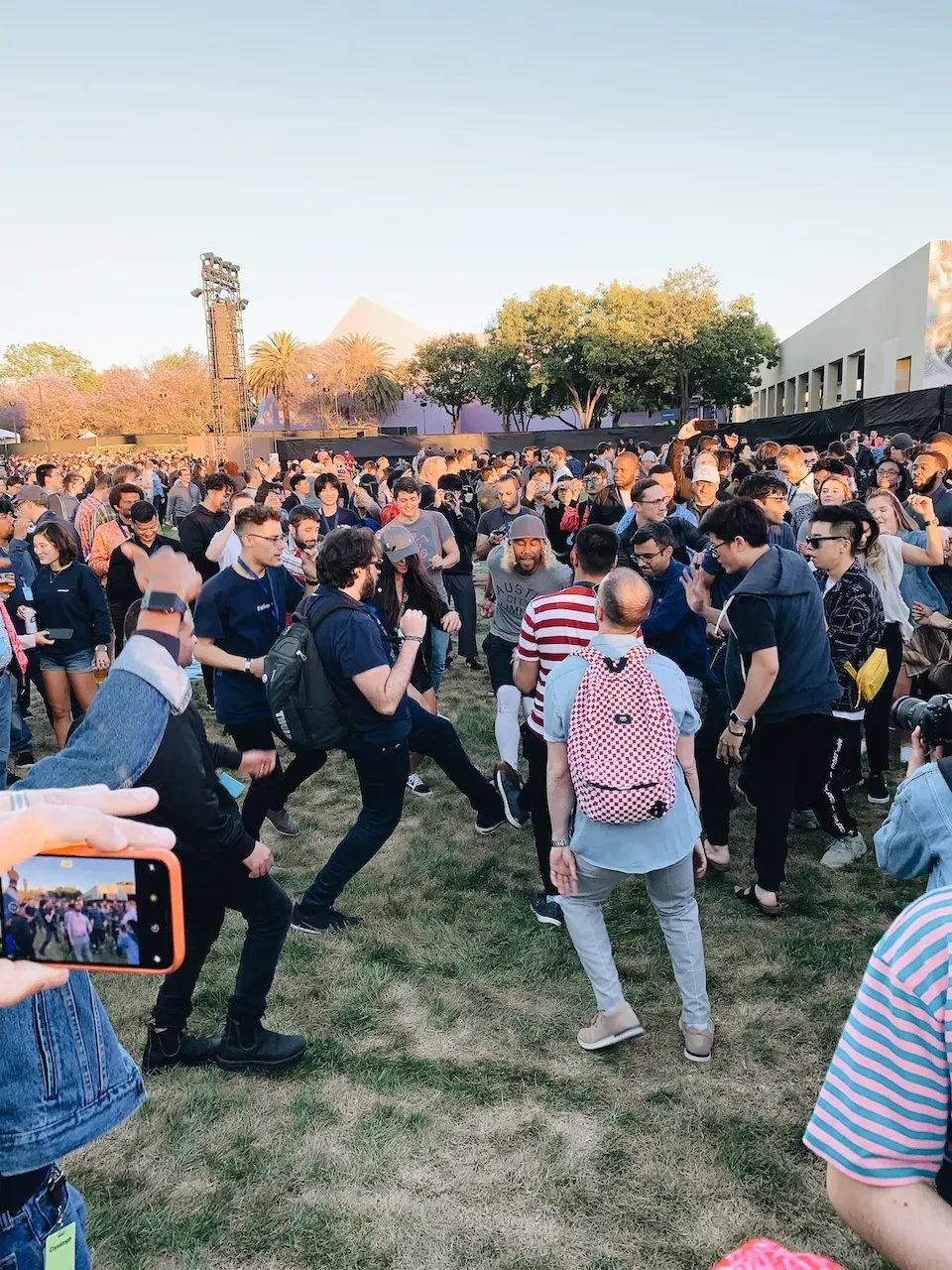
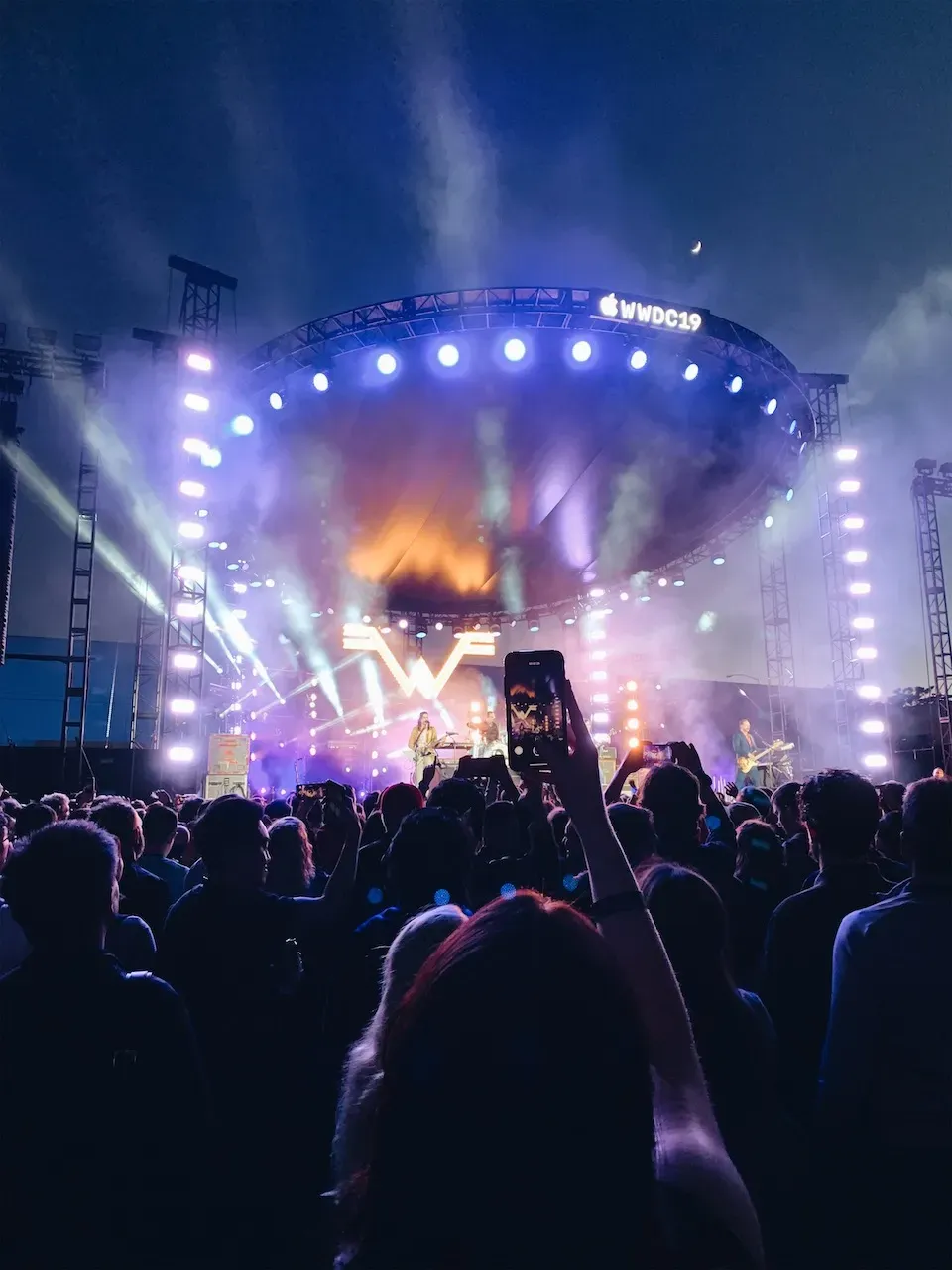
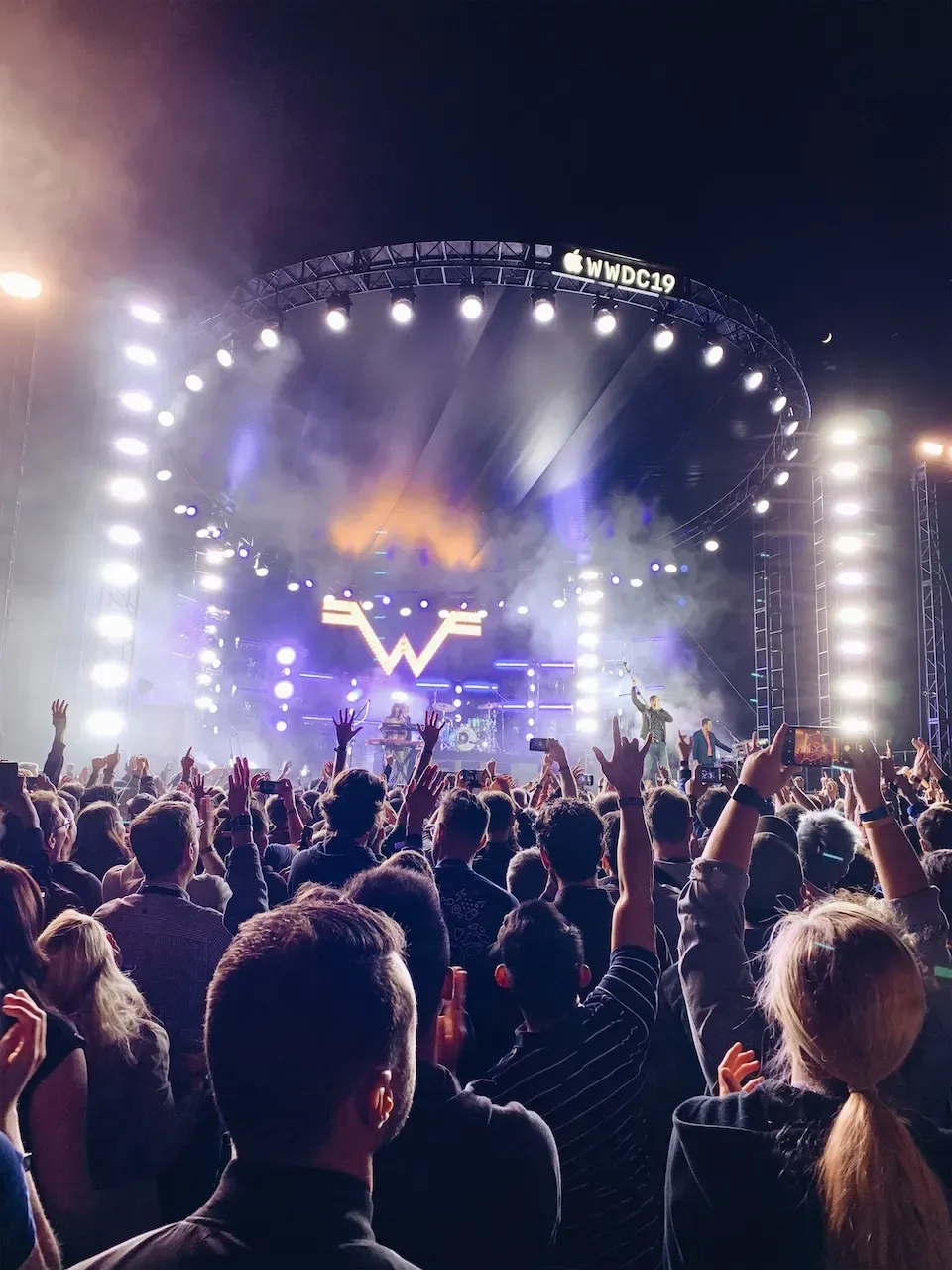
On the fourth night of WWDC, Apple hosts a party for developers. There are drinks, food, games, and live music. One fun thing about it is that you get to see a different side of other developers, and it becomes a great chance to meet people from different countries. Bash takes place in a nearby park, and you need to show your badge before entering, so security is not really a concern. The atmosphere is incredibly lively, and it is honestly funny to watch a big group of programmers playing games and dancing along with the music. This year Apple invited Weezer to perform, and the energy was fantastic.
Because the venue is so close to the airport, there is a small tradition at Bash: whenever a plane flies overhead, everyone points at it and cheers. It is surprisingly fun.
AR Game: SwiftStrike
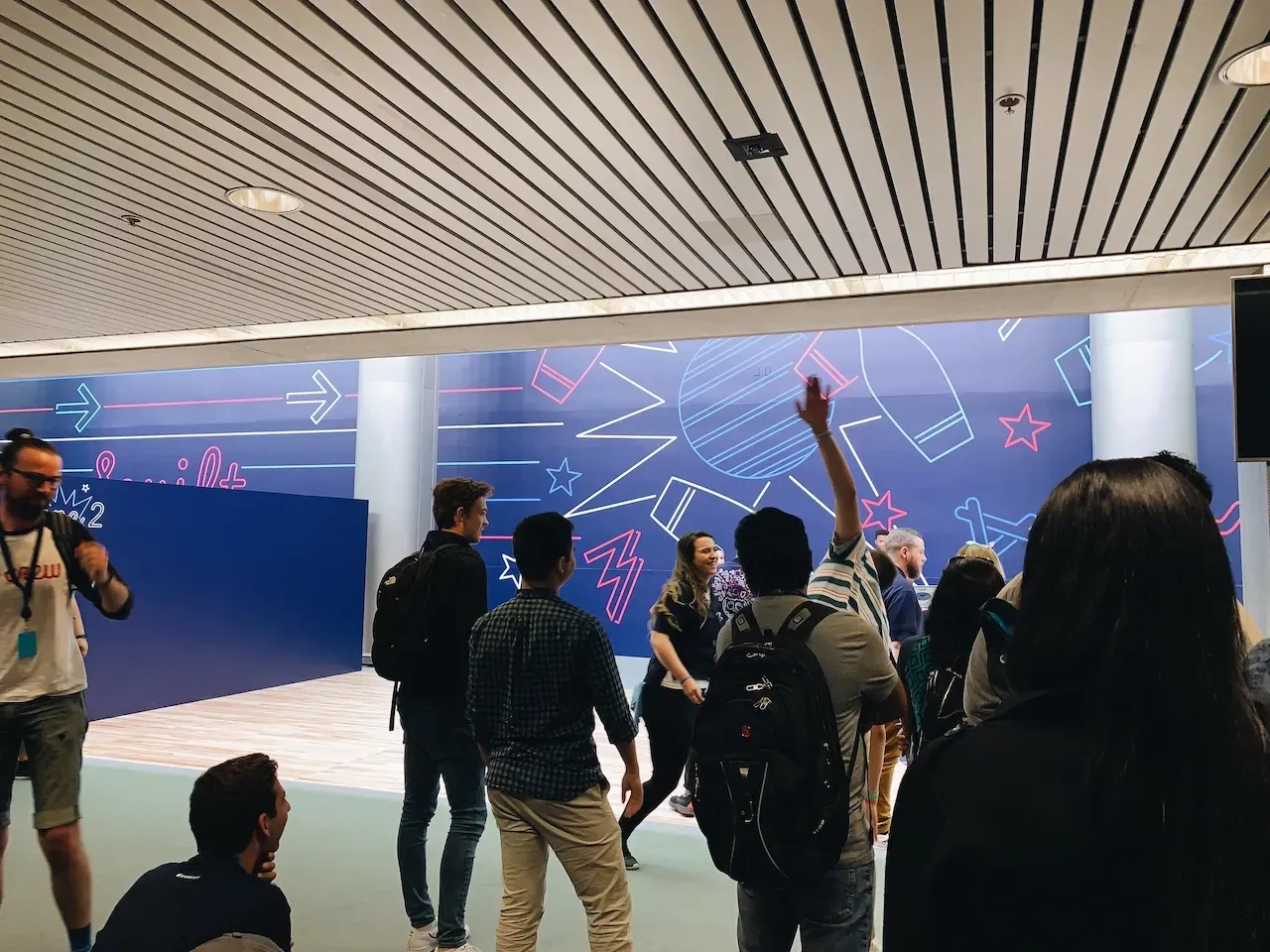
Compared with VR, Apple has clearly placed a much bigger bet on AR. This year Apple also set up an AR game area at the venue. The game was an iPad bowling battle where developers could try it on site and compete with one another. Winners even got a pin. One especially fun detail was that some of the staff there were the engineers who built the game, so if you noticed a bug, you could actually tell them directly.
Pro Studio
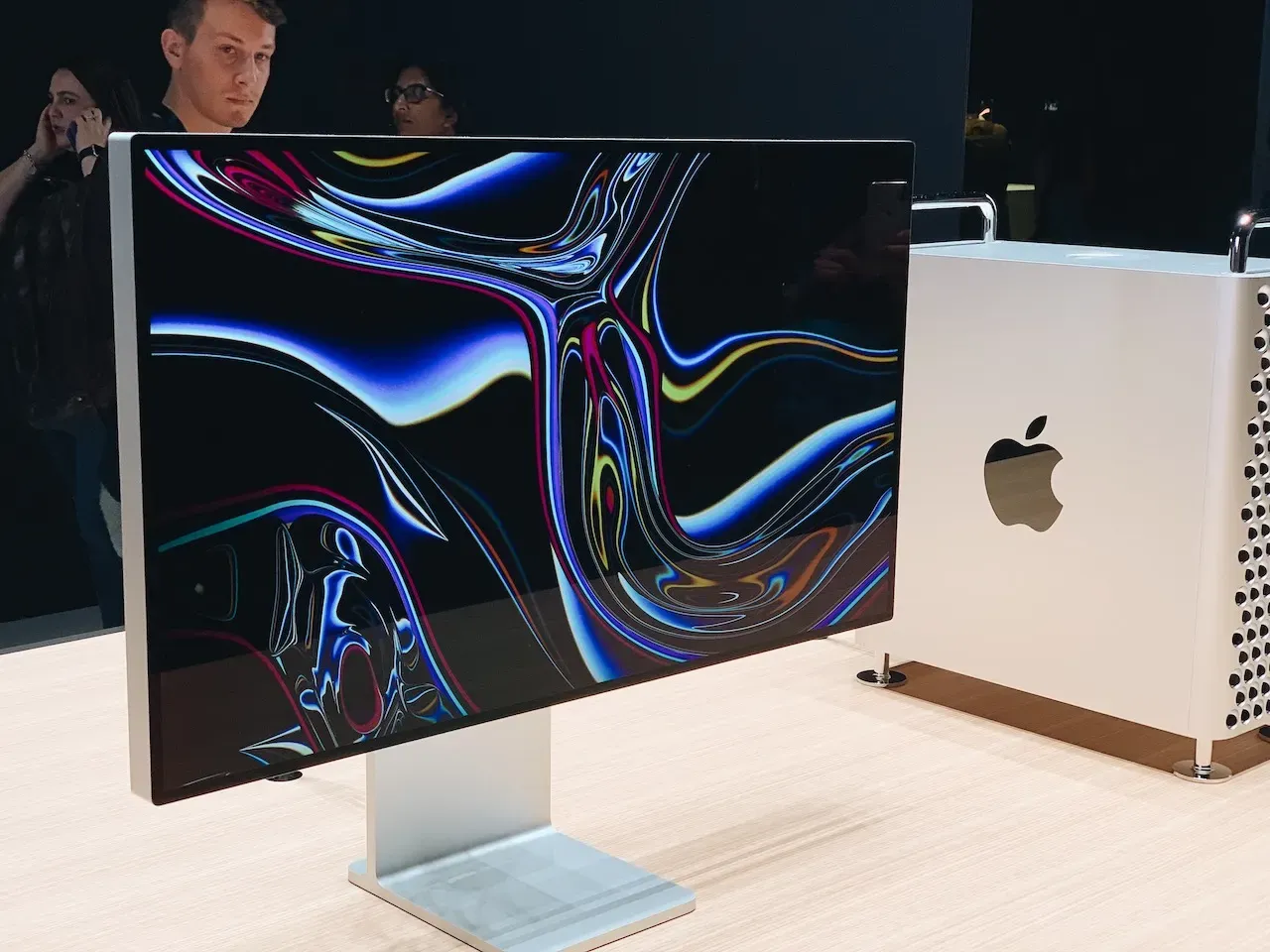
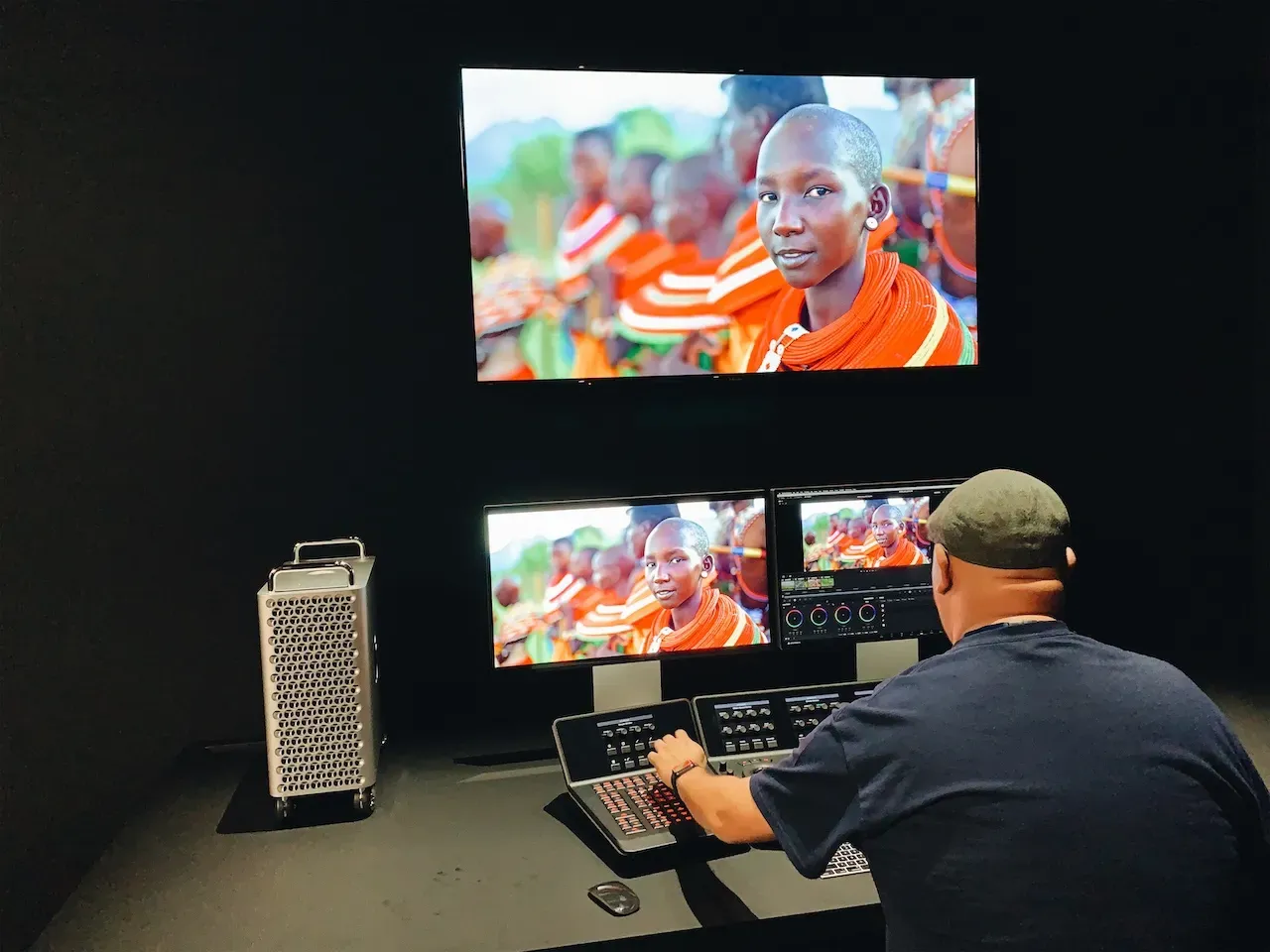
Since Apple announced the new Mac Pro lineup this year, there was also a dedicated area near the venue where developers could get an early hands-on look. You could reserve a timeslot through the WWDC app. Apple demonstrated how the Mac Pro could support professional workflows in different settings such as editing rooms and studios, including tasks like 8K video rendering and audio work.
Other things
Food
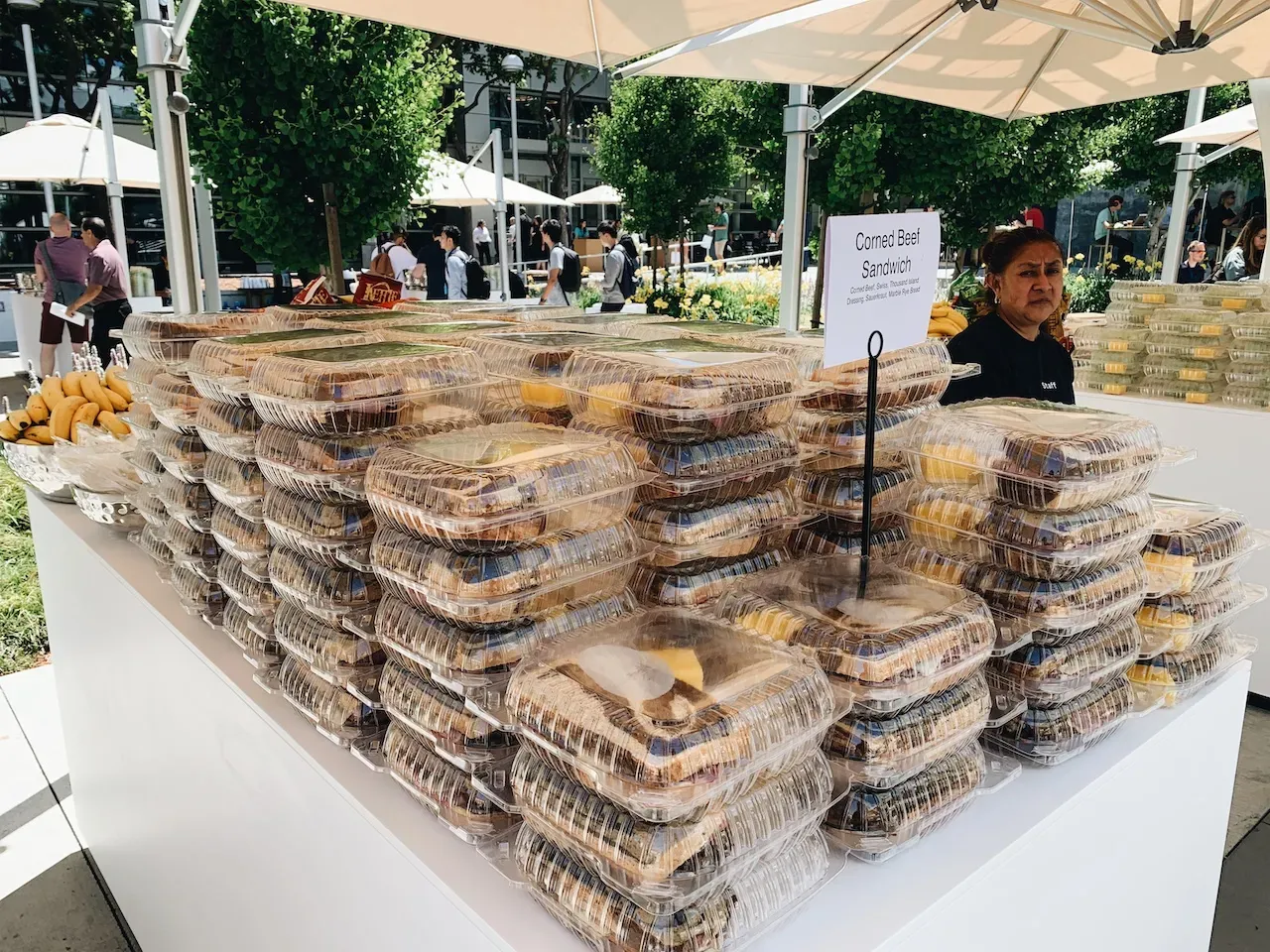
During all five days of the conference, Apple provided breakfast and lunch for attendees. Breakfast was usually bread and fruit, while lunch came in different styles. The meals were generally on the lighter side, often salads, burgers, wraps, and cookies. Whether that suits your taste is another question. Water, juice, and coffee were all available without limit. Apple also prepared vegetarian and other special meal options, so people with dietary requirements did not need to worry.
Company Store
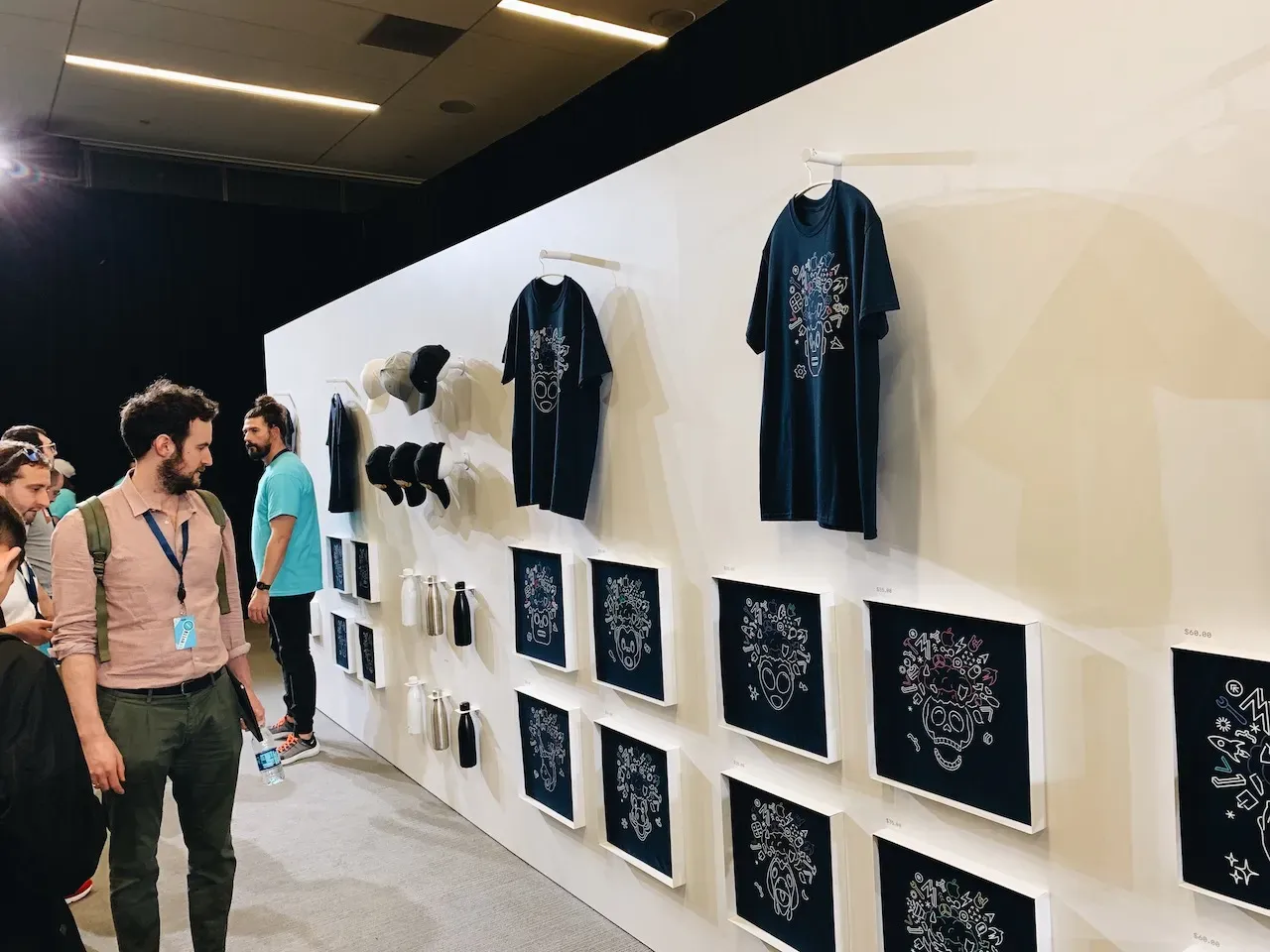
If you finally make it to WWDC, you probably cannot leave without picking up some souvenirs. There is a Company Store inside the venue, giving you one more chance to hand money over to Apple. The line is usually huge, and it often takes two or three hours before you can get inside. Apple opened two Company Stores this year, which was thoughtful, but I would still recommend queueing for the larger one because it has a more complete selection. Limited-edition items often sell out in the first couple of days, so it is worth getting there early if you want them.
Hotel
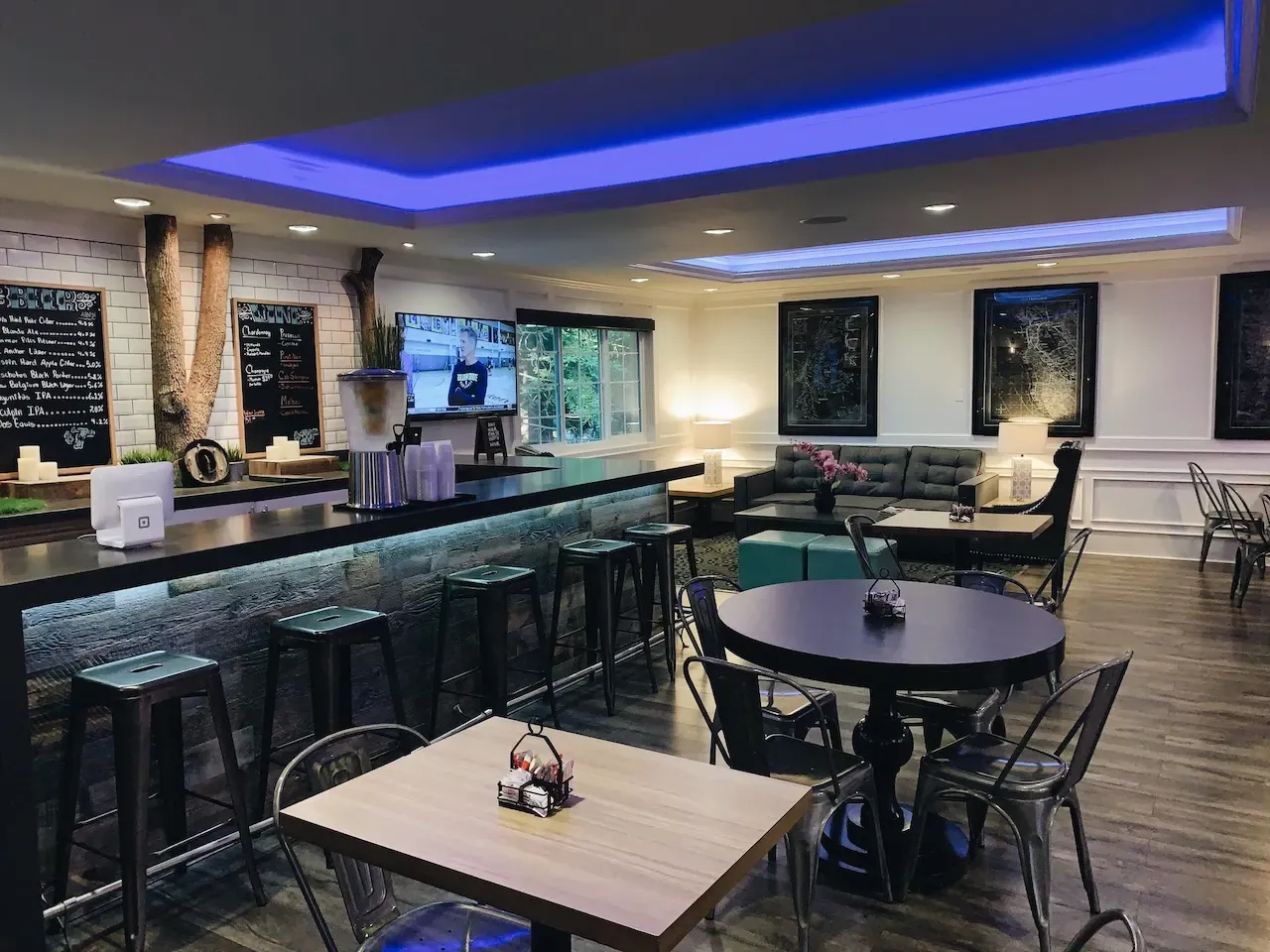
For this trip I stayed at The Row Hotel, a boutique hotel about ten minutes away from the venue by car, at around HKD 1,500 per night. The room was clean and had everything I needed, and the breakfast was also quite good every day. Even though it was not within walking distance of the venue, getting there by Uber or Lyft was still convenient. I am sharing it here as a reference for anyone who might get the chance to attend WWDC in the future.
Conclusion
Having the chance to attend WWDC was one of the most unexpected yet rewarding experiences of my year. WWDC not only gives you the chance to meet outstanding developers from different countries, but also reminds you how much there is still to learn. That feeling pushes you to keep improving and become a better developer. If I ever get the chance again, I would not hesitate to say that I want to go back next year.